Key design decisions and constraints
2) Source and routing: Do you need multiple sources simultaneously (e.g. background music in the dining room while a live sports feed plays in the bar)? Plan a scalable source matrix so each zone can select independent sources.
3) Power and amplification: Match amplifier power and channel count to speaker sensitivity and room acoustic losses. For distributed ceiling or surface-mount speakers choose multi-channel amplifiers with bridging or per-channel voicing.
4) DSP and audio processing: DSP handles routing, EQ, delay, limiting and ducking (automatic level reduction for announcements). A DSP with networked control (AES67/Dante or proprietary AoIP) simplifies distribution and remote management.
5) Cabling and infrastructure: Run balanced audio and adequate power to avoid hums and noise; plan conduit and termination points for future changes. Use structured cabling principles if deploying audio over IP.
6) Regulatory and safety constraints: Consider local licensing (noise limits for outdoor terraces), IP-rated speakers for exposed areas and compliance with venue insurance requirements.
7) Budget constraints: Prioritise zones that drive revenue (main bar, terrace) for higher-spec components; use cost-effective background music solutions for low-priority spaces.
Equipment choices — realistic selections and why they matter
2) Amplifiers and power: Modern power-efficient amplifiers from established manufacturers (for example Powersoft-class products in the market) reduce heat and rack space. Select DSP-capable amps where possible to reduce separate components.
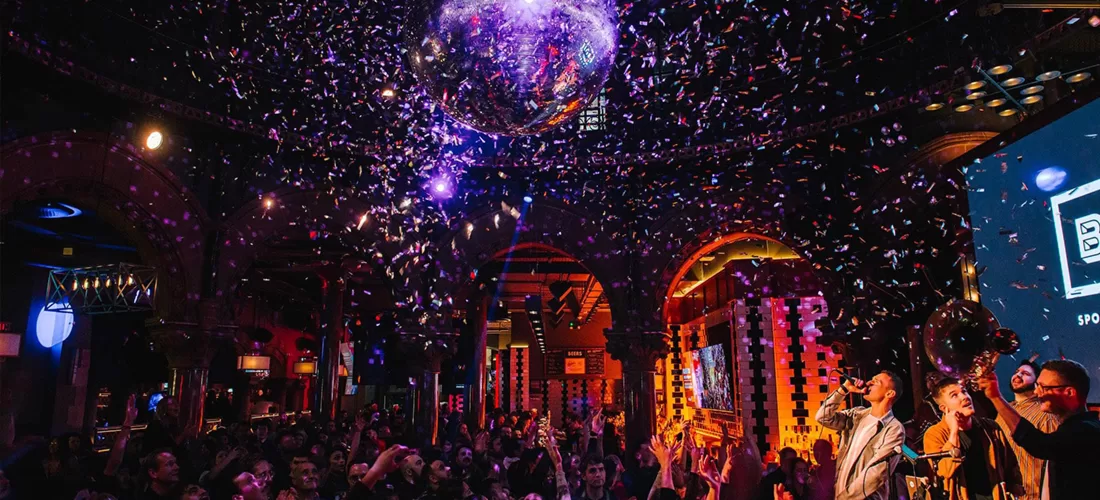
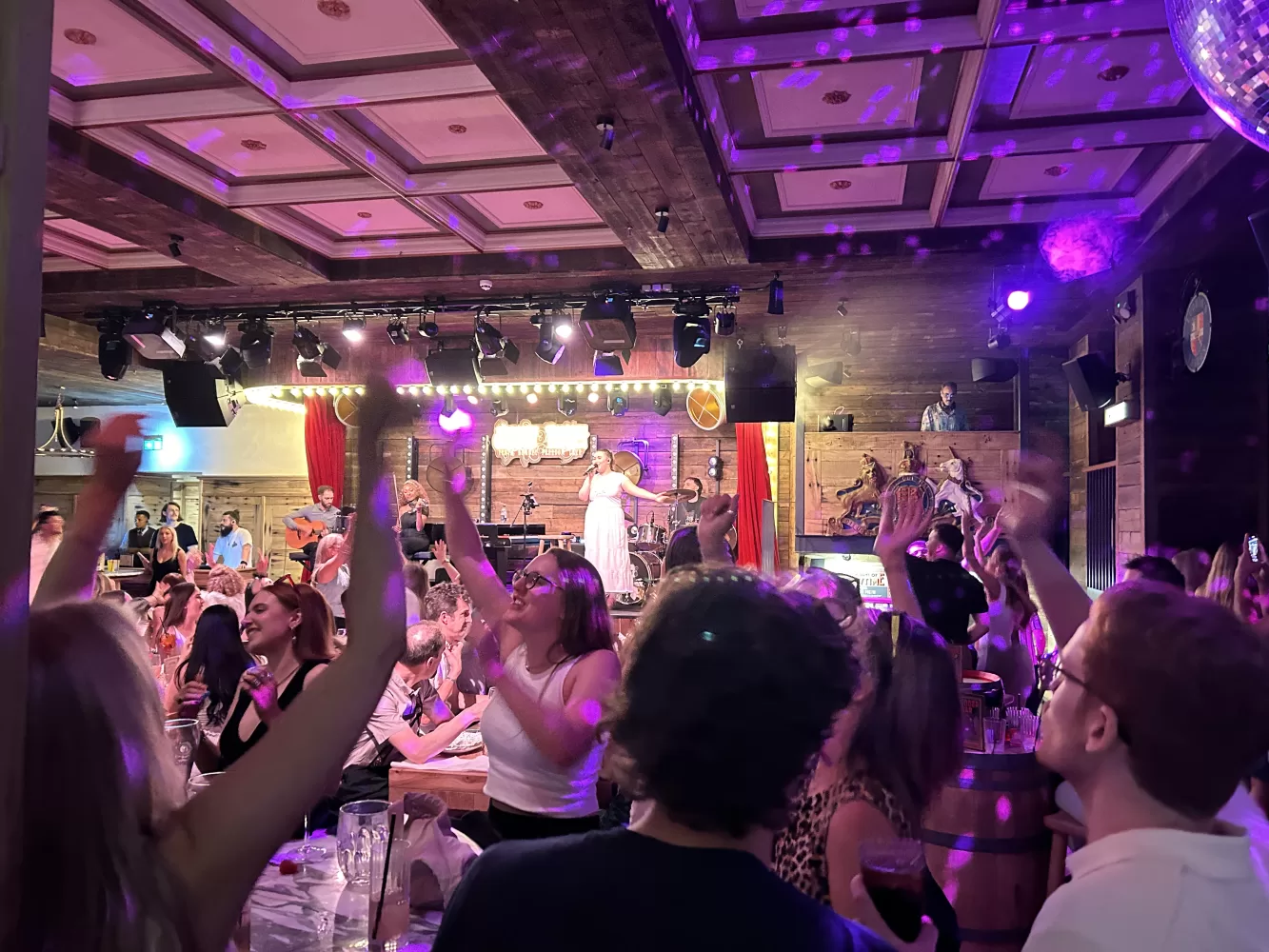
3) DSP and network audio: Use a DSP that supports per-zone EQ, crossovers and limiting. If you plan distributed audio or multiple source routing, choose Dante/AES67-capable equipment or a proprietary digital audio matrix to minimise analog runs and improve reliability. Pro Technical has experience integrating networked audio in venues such as Alberts Schloss (Martin Audio Torus) and RCF installations in Nottingham.
4) Control interfaces: Simple wall-mounted volume zones, tablet-based zone selection or an integrated Crestron/AMX-style control panel — choose an interface that staff will actually use. Avoid over-complicated control that leaves staff reverting to ad-hoc workarounds.
5) Ancillary products: Microphone inputs for announcements, paging integration with fire/evacuation systems, and headroom for DJ/live sound in event-mode. Weatherproof speakers and enclosures for terraces and canopies.
Installation workflow, commissioning and handover
2) Pre-wiring and infrastructure: Run cable in accessible conduits with clear labelling. Install speaker backboxes where required. Reserve rack space and ventilation for amplifiers and DSP.
3) Fixed installation: Mount speakers to achieve consistent SPL (sound pressure level) across listening areas. Ensure fixings meet building regulations and insurance requirements.
4) System integration: Configure DSP routing, set per-zone EQ and install control interfaces. Integrate source devices — streaming players, in-house mixers, TV audio and live feeds.
5) Commissioning: Use measurement tools (real-time analysers and measurement microphones) to tune frequency response, check polarity and set limiter thresholds. Verify source switching, paging and failover behaviour.
6) Staff training and documentation: Provide straightforward operational guides (quick-start for volume and source selection) and technical documentation (system block diagrams, IP addresses, passwords for service accounts) for maintenance technicians.
7) Handover deliverables: Provide an as-built drawing, load list of installed equipment, DSP presets for typical venue states (day, night, event), and contact details for support and warranty procedures. Link to relevant services: /services.html and /sound-systems/.
Common risks, mitigations and maintenance considerations
Risk: Noise bleed between zones. Mitigation: Separate DSP-controlled zones with independent level control and, where possible, acoustic separation. Use limiters and ducking for live announcements.
Risk: System downtime. Mitigation: Design redundancy for critical elements (dual source paths, networked playback devices) and maintain a spare parts policy for amplifiers and commonly used speakers.
Maintenance: Schedule annual service visits to verify amplifier health, firmware updates, DSP backups and to re-calibrate after layout changes. Pro Technical offers maintenance and on-site repair services; see /maintenance/ and repair and service centre for details.
Remote support: When audio is networked, enable secure remote access for fault diagnosis and firmware updates. Ensure remote access is agreed in advance and conforms to venue IT policies.
Case examples and when to consider specialists
- Integrated multi-source routing with live-sound capability
- Networked audio across floors or sites
- Complex control integration with lighting, digital signage and video walls
For straightforward background music and one-or-two zone control, an experienced AV installer can deliver a reliable system quickly. For multi-floor or multi-site systems with centralised control, allocate additional design time and budget for networking and redundancy.
Choosing the right installer and next steps
- A site survey report and suggested zoning plan
- An equipment schedule with part numbers and rationale
- A commissioning plan including measurement and presets
- A maintenance and support proposal with response times
Next steps: arrange a site survey with Pro Technical via our contact page (https://www.pro-technical.co.uk/contact-us.php). For reading on related topics, see our resources on AV installation cost (/resources/how-much-does-commercial-av-installation-cost) and designing AV for sports bars (/resources/how-to-design-an-av-system-for-a-sports-bar).